
Client project · Finance
Invoice review and expense checks
Sorted, checked, and in Excel.
For a client’s finance team, Ctrl+Space Labs set up Gendox Document Insights to sort incoming invoices, check whether each one is a valid expense, and export the reviewed results to Excel.
Finance team · name withheld
- 1,000invoices reviewed in 25 minutes
- 80%lower back-office processing cost
- 100+financial details extracted per document
The task
Four questions, asked of every invoice.
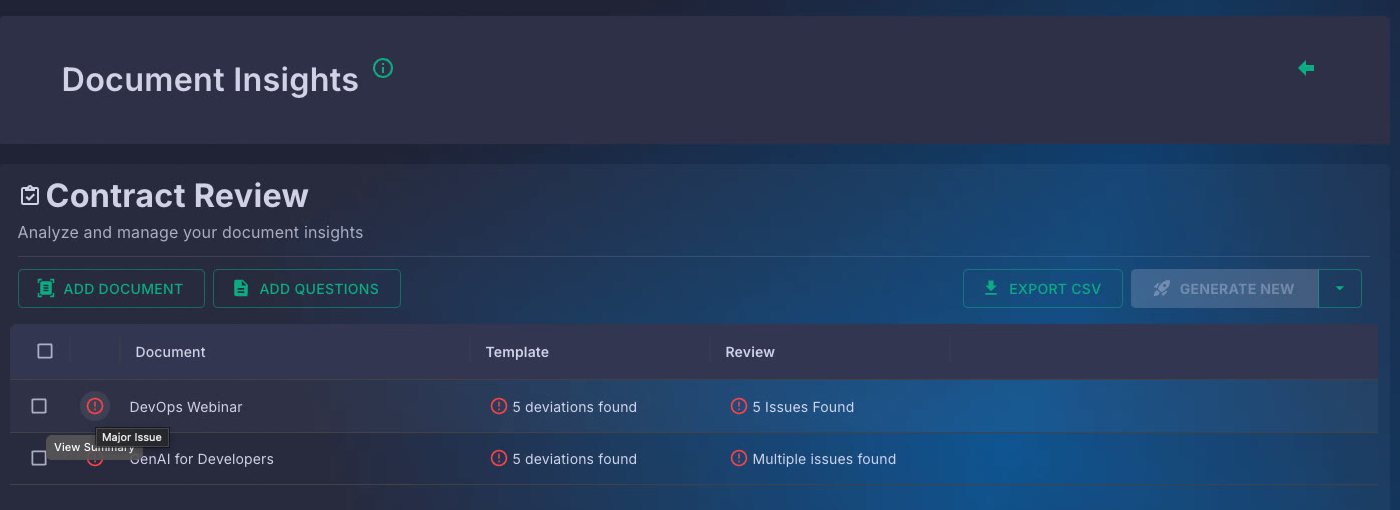
In Document Insights each question becomes a column and each invoice a row, so a whole batch is answered at once instead of one file at a time.
- Column 1
What kind of document is this?
Sorts invoices, receipts and statements into the right category.
- Column 2
Who issued it, and under which VAT number?
Pulls supplier, tax number and invoice number into their own fields.
- Column 3
How much, and when is it due?
Extracts amounts, VAT and due dates, and flags anything unclear.
- Column 4
Is this a valid expense?
Checks the invoice against the client’s own acceptance rules and says why.
Built with Gendox
People review the flags, not the pile.
Every answer carries a status flag and an explanation, so the team only opens what needs a decision. The reviewed matrix exports straight to Excel for accounting, audit and monthly closing.
- OKValid, nothing to do
- WarningWorth a second look
- Major issueLikely not a valid expense
Contact
Get in touch.
Tell us what you are building. We will tell you whether we can help.